
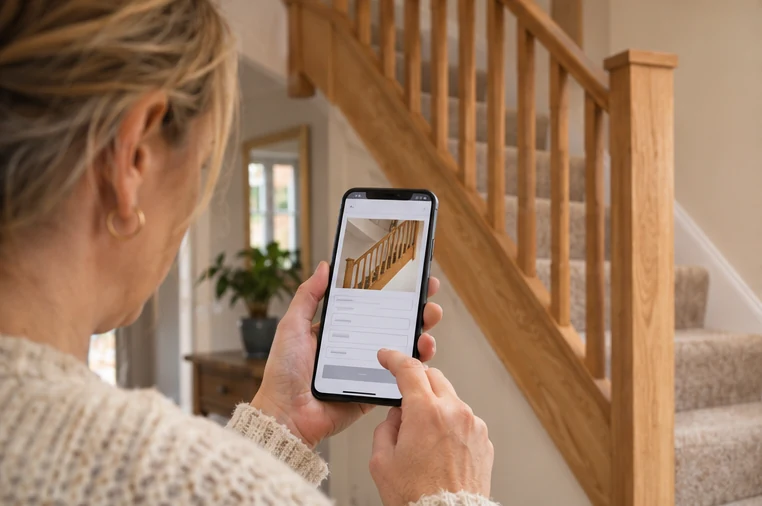
A homeowner sees your staircase renovation on Facebook and taps through to your website. They can see good work, but they still need to know if you take on a job like theirs, cover their town and have a straightforward way to ask for a quote. Check the page from the same phone a customer would use.
Say which jobs you can help with
Use the same service name on the page that you used in the post. If you specialise in full kitchen installations, put that near the top. Add a short example of a suitable project and state the towns or areas you can serve. A customer should be able to work out whether to call before opening the form.
Show one real finished job that you have permission to share. Give it a sentence explaining the brief, the work and what was handed back. That helps people picture the service they are asking for.
Ask for the few details you need to start
List the essentials next to the form. For a fitter, that could be the town, the work the customer wants and a rough target date. Make it clear how they can share room photos if they have them. Give people a route to enquire when they are still measuring or deciding.
Example for a kitchen fitting page
“Tell us your town, whether you have a kitchen design already and roughly when you’d like the work done. If you have a photo of the room, use the upload on the form. We’ll read your brief and let you know whether we can help and what we need for the next conversation.”
Follow the link before the post goes out
Open the link from your saved caption or profile. Check it goes to the service shown in the post, that the form is usable on a phone and that somebody owns replies. After you send a test enquiry through your chosen test process, check what the customer sees next.
Tell the person planning your posts which service page you want to use and what a good enquiry looks like. See Amplio’s approach to marketing for construction and trades.
Comments
Join or sign in to leave a comment.
Already joined? Sign in
Signed in as
Keep it somewhere private so you can sign in again on another device.